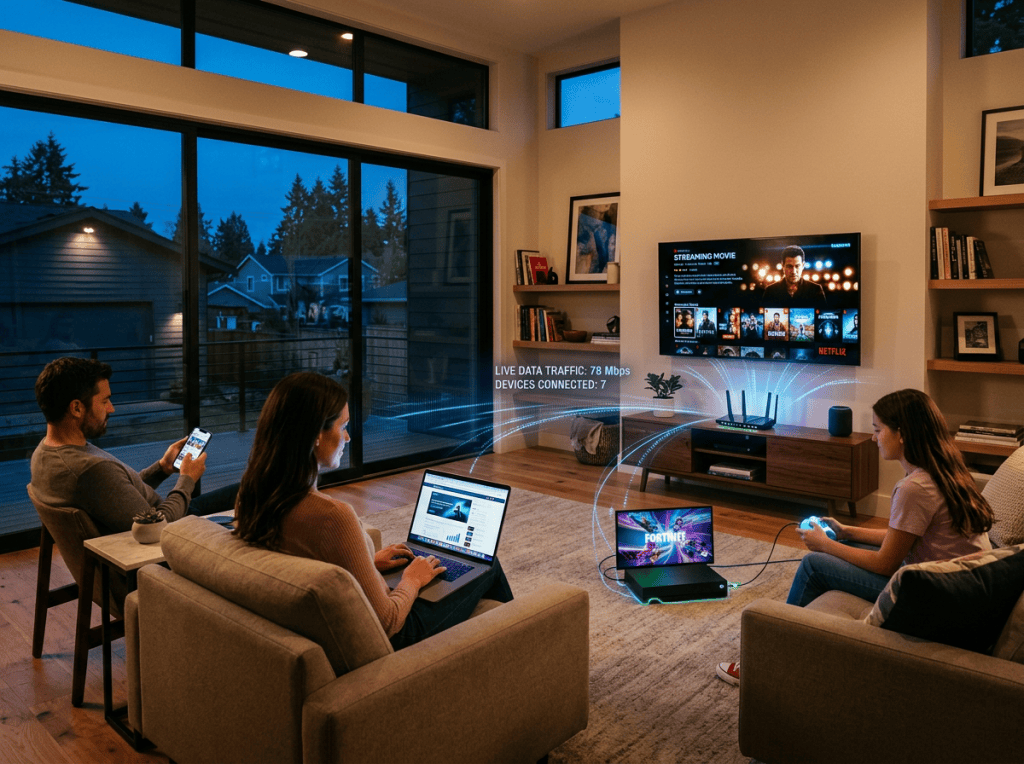
You sit down in the evening to watch a movie, browse the web, join a video call, or play a game—and suddenly your internet feels much slower than it did earlier in the day.
Sound familiar?
If your Wi-Fi is slow at night but works normally during the day, there may be a simple explanation. Evening slowdowns can result from increased network traffic, multiple devices using your connection, Wi-Fi interference, router limitations, or problems outside your home.
Here’s how to figure out what’s really happening.
1. Your neighborhood internet traffic may increase
Even if you’re the only person using your Wi-Fi, you’re not necessarily the only person using the network infrastructure around you.
Evening is typically a busy period for internet usage. People come home from work and school and start streaming, gaming, downloading files, browsing social media, and making video calls.
When demand increases, congestion can affect performance.
This is particularly worth considering if your connection is consistently fast during the day but noticeably slower during the evening.
2. Your own devices may be using more bandwidth
Before blaming your internet provider, look inside your home.
Your smart TV might be streaming. Your game console could be downloading a large update. Your computer might be synchronizing files with cloud storage. Phones and tablets may also be backing up photos or downloading updates automatically.
All of these activities can consume bandwidth.
Try disconnecting or pausing devices you’re not using and then test your connection again.
If the speed improves, you’ve probably found part of the problem.
3. Streaming can put your connection under pressure
Video streaming is one of the more demanding things you can do on a home internet connection, particularly at higher resolutions.
Now imagine several activities happening simultaneously:
- One person is watching a high-resolution movie.
- Another is gaming online.
- Someone else is on a video call.
- A computer is downloading a large file.
Your internet connection has to handle all of these demands at the same time.
So sometimes what feels like “slow Wi-Fi” is actually a busy internet connection.
4. Your router may be the weak point
Your router has to communicate with multiple devices and manage the wireless traffic inside your home.
Older or poorly positioned routers can struggle in larger homes or households with many connected devices.
Where you put the router also matters.
A router hidden inside a cabinet or placed behind large objects can have poorer coverage than one positioned in an open, relatively central location.
If your internet is fine near the router but poor in another room, the problem may be Wi-Fi coverage rather than internet speed.
5. Wireless interference can affect your connection
Your Wi-Fi signal doesn’t exist in isolation.
Nearby wireless networks, particularly in apartment buildings and densely populated neighborhoods, can compete for the same wireless space.
Physical obstacles and other sources of wireless interference can also affect performance.
This can explain why one device works perfectly while another, farther away from the router, struggles.
6. Your Wi-Fi may be strong while your internet is slow
This distinction is easy to miss.
Wi-Fi is the wireless connection between your device and your router.
Your internet connection is the connection between your router and your internet service provider.
You can therefore have an excellent Wi-Fi signal while still experiencing a slow internet connection.
That’s why replacing your router isn’t automatically the answer.
First, determine whether the problem is inside your home or beyond it.
7. Your internet plan may simply be under heavy demand
Every internet plan has a certain amount of available bandwidth.
The more people and devices using it simultaneously, the more that capacity is shared.
A household with several people streaming, gaming, working remotely, and using connected devices will naturally place more demand on its connection than a household with one or two light users.
But don’t immediately upgrade your plan.
Diagnose the problem first.
You don’t want to pay for a faster connection when the real problem is poor Wi-Fi coverage, interference, or one device consuming most of your bandwidth.
How to Find the Problem
Before buying a new router or calling your internet provider, try these simple tests.
Test 1: Compare different times
Run a speed test in the morning and again during the evening.
If the difference is consistent, the timing of the slowdown is an important clue.
Test 2: Test beside your router
Run the same test close to the router and then from the room where you normally experience problems.
A major difference suggests a Wi-Fi coverage issue.
Test 3: Disconnect devices
Temporarily disconnect unnecessary devices and test again.
If performance improves, something in your home may be consuming significant bandwidth.
Test 4: Restart your router
A restart can sometimes clear temporary problems and restore normal performance.
It’s a simple step, but worth trying before more complicated troubleshooting.
Test 5: Check your connected devices
Most modern routers allow you to see which devices are connected.
Take a look.
You might find an old phone, smart device, television, console, or computer still connected and actively using the network.
So, Why Is Wi-Fi Slower at Night?
There isn’t one universal answer.
If your Wi-Fi slows down every evening, the cause could be peak-hour network congestion, heavy household usage, poor Wi-Fi coverage, wireless interference, an overloaded router, or limitations with your internet service.
The key is to identify the source before spending money on new equipment or a more expensive plan.
Test first. Find the bottleneck. Then fix it.